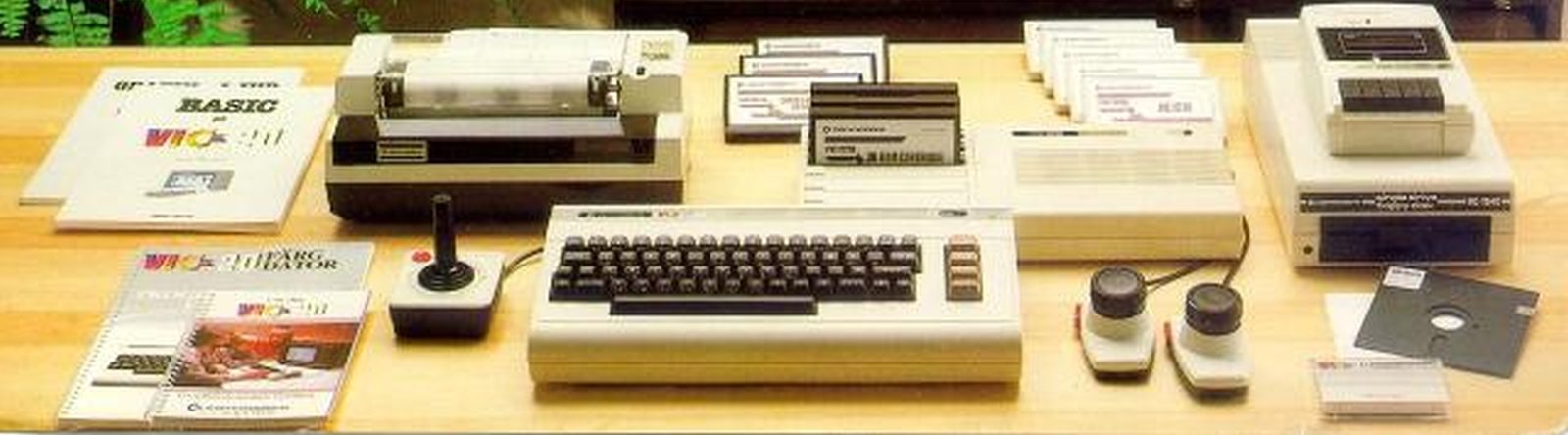
La cartuccia di aiuto per programmatori è stata prodotta da Commodore per fornire una raccolta di programmi ed utilità per aiutare i sviluppatori nuovi ed esperti a scrivere, modificare ed eseguire il debug di programmi BASIC in modo rapido e semplice. I comandi hanno aggiunto la numerazione della copertina, la ricerca e la sostituzione e la traccia dell’esecuzione di un programma.
Inoltre, è possibile assegnare comandi ai tasti funzione, offrendo un modo conveniente per eseguire le istruzioni utilizzate di frequente.
L’editor dello schermo è stato inoltre migliorato per facilitare la modifica dei programmi.
Per utilizzare la cartuccia, immettere
SYS 28681
SYS 28681

-- PROGRAMMERS' AID --

READY.
Added commands
The following commands are available in direct mode, they cannot be used within a BASIC program
| Command | Description |
|---|---|
| AUTO | Generate line numbers automatically |
| CHANGE | Replace all occurrences of a given string |
| DELETE | Delete lines from a program |
| DUMP | Display the values of all variables |
| EDIT | Use the EDIT set of function keys |
| FIND | Locate all occurrences of a given string |
| HELP | Indicate the location of an error |
| KEY | Display or assign a string to a function key |
| KILL | Disable all additional commands |
| MERGE | Load a program, combining it with the current one |
| OFF | Disable STEP or TRACE mode |
| PROG | Use the PROG set of function keys |
| RENUMBER | Change the line numbers of a program |
| STEP | Single step through the program displaying the line number |
| TRACE | Display the line number as a program is executed |
Enhanced screen editor
The following key combinations can be used to modify the lines displayed on the screen
| Keys | Description |
|---|---|
| Ctrl-A | Scroll up a program list |
| Ctrl-E | Cancel quote and insert modes |
| Ctrl-L | Erase characters after cursor on same line |
| Ctrl-N | Erase all characters in program after cursor |
| Ctrl-Q | Scroll down a program list |
| Ctrl-U | Erase all characters on cursor line |
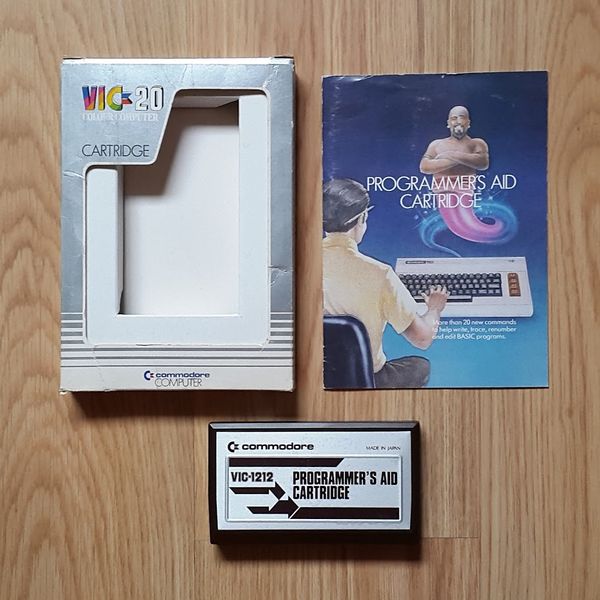
VIC-1212-ProgrammersAid_UK_Box 
VIC-1212-ProgrammersAid_generic_BOX 
VIC-1212-ProgrammersAid_japan._2 
VIC-1212-ProgrammersAid_japan 


VIC 1212 VIC Programmer’s Aid – Prova On Line